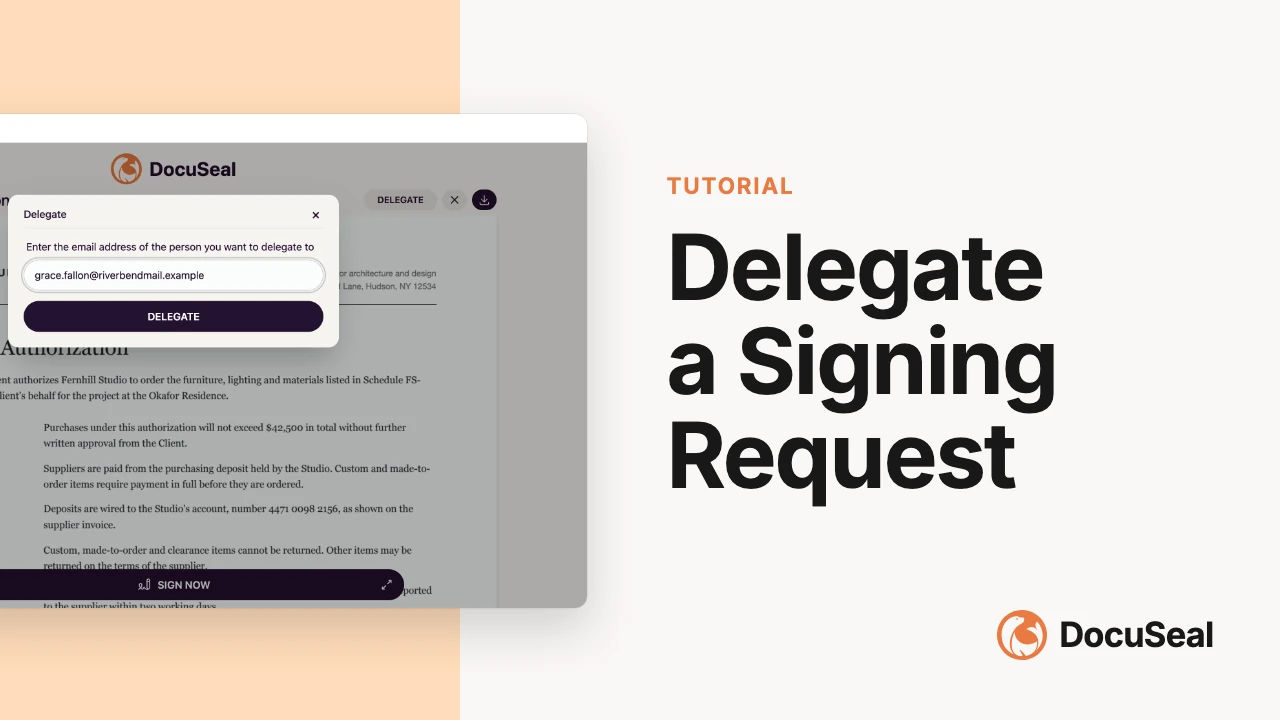
Delegate documents
DocuSeal allows signers to delegate a signing request to another person. This is useful when the original recipient is not the appropriate person to sign the document or when they need to pass the responsibility to a colleague.
This feature is available in the Pro plan
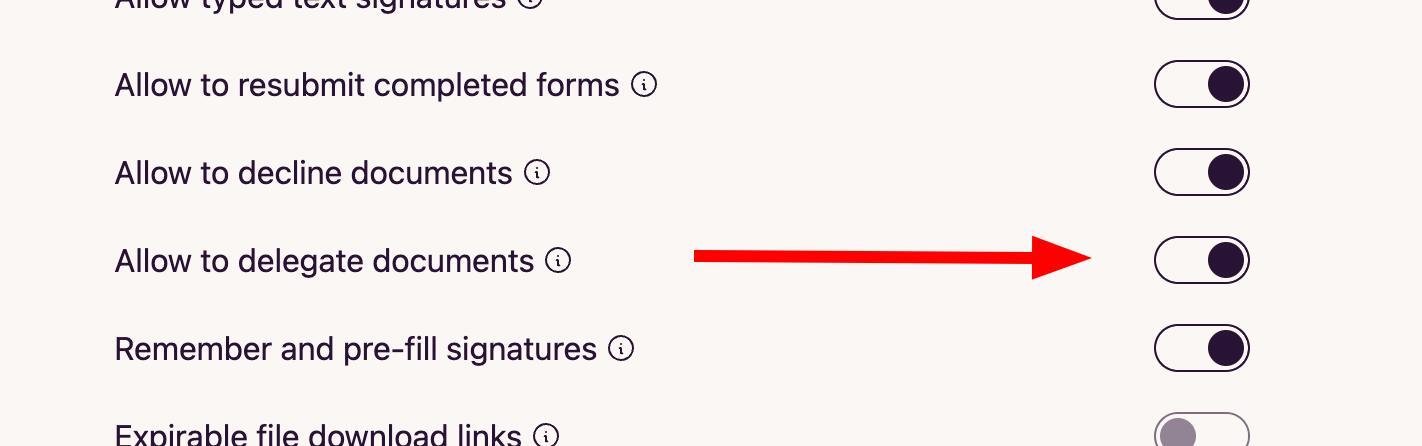
Account admins can enable delegation in the account settings. By default, delegation is disabled.
- Go to Settings → Account page.
- Find the Allow to delegate documents toggle.
- Toggle the option on.
Once delegation is enabled, signers will see a Delegate button on the signing form page.
- Open the signing request email or link that was sent to you.
- On the signing form page, click the Delegate button.
- Enter the email address of the person you want to delegate the document to.
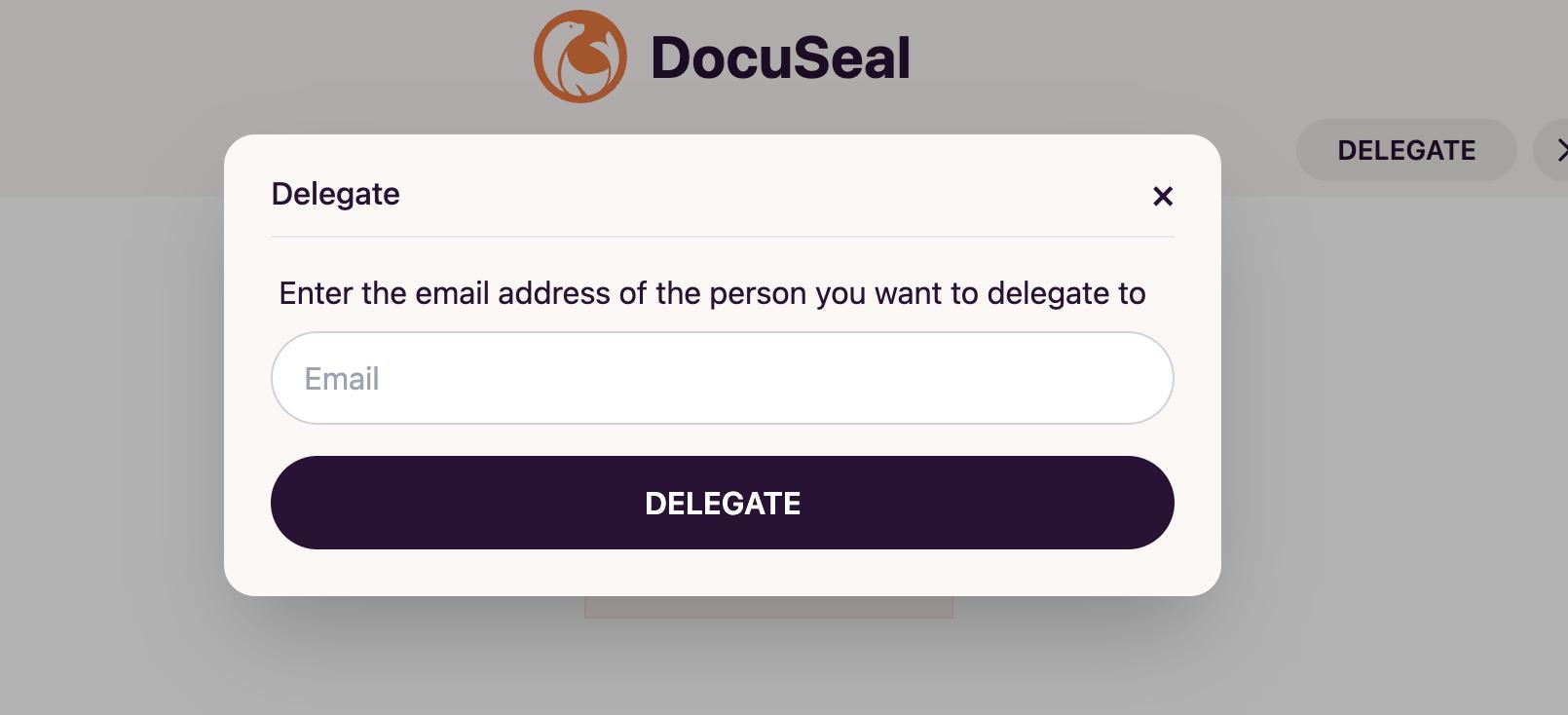
- Click Delegate to confirm. The new recipient will receive a signing request via email.